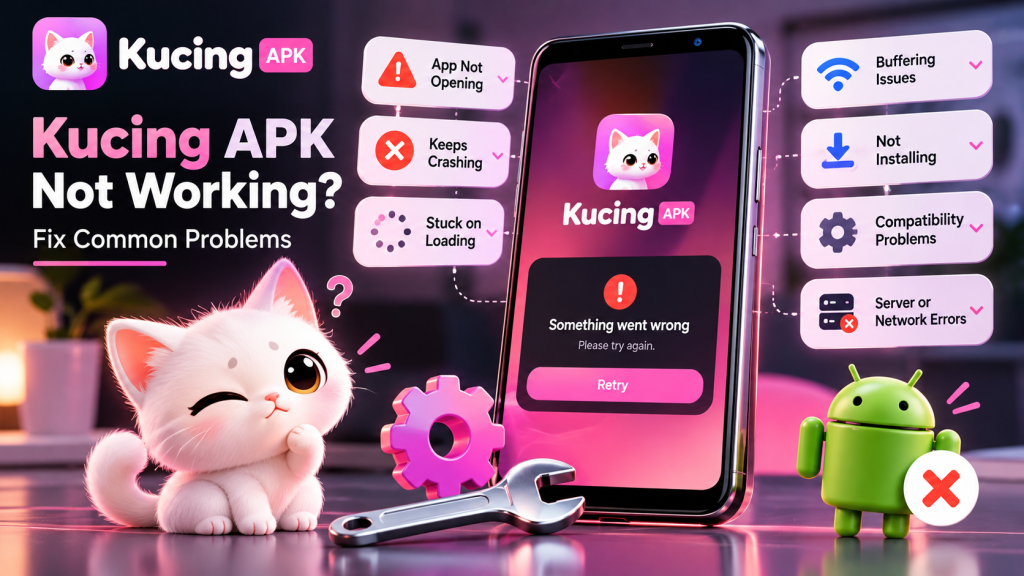
Having trouble because Kucing APK not working properly on your Android device? Problems such as installation errors, crashes, buffering, or loading issues can happen for several reasons.This guide explains the most common Kucing APK problems and practical ways to fix them. Start with the simplest solutions first before trying to reinstall the application.
Kucing APK Download
Using an outdated or incompatible Kucing APK? Get the latest compatible version and follow the recommended installation steps.
Table of Contents
There is no single reason why an APK may stop working. The problem can depend on your device, Android version, APK release, or network connection.
- Incompatible Android version
- Corrupted APK file
- Insufficient storage
- Outdated application version
- Weak internet connection
- Temporary application data
- Installation conflicts
- Device performance limitations
Identifying the actual cause can make troubleshooting much easier.
1. Check Your Internet Connection
If Kucing opens but content does not load, your internet connection should be the first thing to check.
Try opening another website or application that requires internet access. If other services are also slow, the problem may be your network rather than the application.
You can try switching between Wi-Fi and mobile data. Restarting your router may also help if the connection remains unstable.
2. Restart the Kucing App
Temporary application errors can sometimes prevent normal operation.
Close Kucing completely from your recent applications and open it again. Give the application a few seconds to load before trying to access content.
If the application was running in the background for a long time, restarting it can clear a temporary state that may have caused the problem.
3. Restart Your Android Device
A device restart is another simple solution when Kucing APK not working correctly.
Restarting Android can close background processes and release temporary system resources. After restarting, open Kucing again and check whether the problem has disappeared.
This is particularly useful when several applications are experiencing slow performance at the same time.
4. Check Available Storage
Low storage can affect application performance and may prevent updates or installations from completing correctly.
Open your Android storage settings and check how much free space remains. Remove unnecessary downloads, videos, or applications if your device is nearly full.
After creating enough space, restart Kucing and check whether it works normally.
5. Clear Kucing APK Cache
Temporary cached data can occasionally become outdated or corrupted.
To clear the cache, Android users can generally follow these steps:
- Open Settings.
- Go to Apps or Applications.
- Find Kucing.
- Open Storage or Storage & Cache.
- Select Clear Cache.
- Open Kucing again.
The exact menu names can vary between Android manufacturers and operating-system versions.
Avoid clearing application data unless necessary, because doing so can remove locally stored settings or other application information.
6. Check Your Android Version
Compatibility is one of the most common reasons an APK may not work correctly.
If you recently installed a new Kucing APK release, check whether your Android version meets its requirements. Older devices may have difficulty running newer application releases.
You can normally find your Android version under:
Settings → About Phone → Android Version
Compare that information with the requirements listed for the specific Kucing APK release.
7. Reinstall Kucing APK
If the application continues crashing or refuses to open, the installation itself may be damaged.
Before reinstalling, make sure you have a compatible APK from a trustworthy source.
Then:
- Uninstall the existing Kucing application.
- Restart your device.
- Download the compatible APK again.
- Make sure the download finishes completely.
- Install the APK.
- Open the application and test it.
Do not repeatedly install APK files from unknown sources simply to find one that works.
8. Kucing APK Keeps Crashing
If Kucing opens but closes unexpectedly, several factors may be responsible.
First, restart the device and clear the application’s cache. Then check your available storage and Android compatibility.
If the crashes started immediately after an update, the particular release may have a compatibility problem with your device. In that situation, check the release information and consider using a verified compatible version rather than installing random APK files.
9. Kucing APK Not Installing
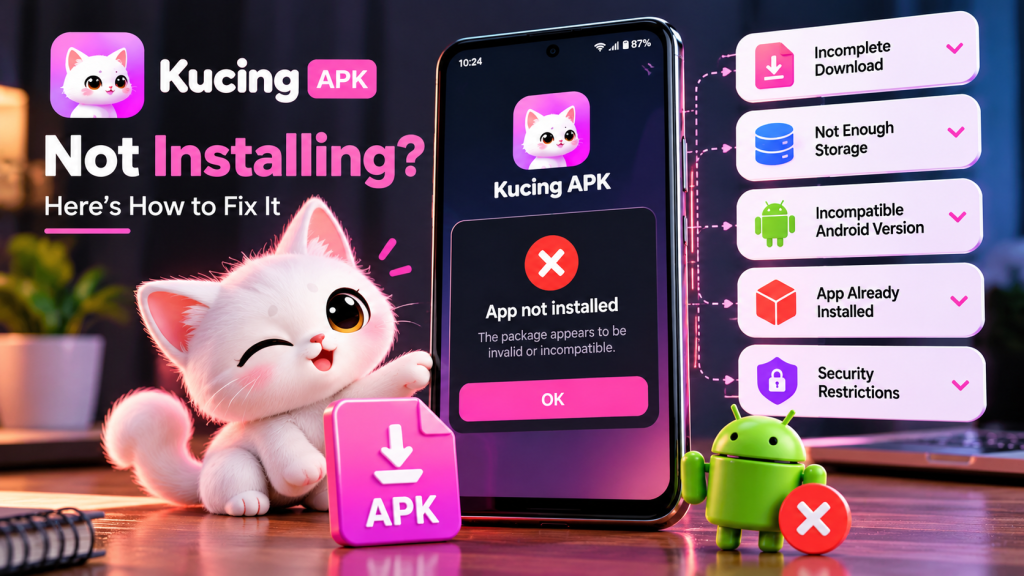
If Kucing APK not installing is your main problem, check the following:
Incomplete Download
A partially downloaded APK may be corrupted. Download the file again and wait until the download completes.
Insufficient Storage
Make sure your device has enough free space for installation.
Incompatible Version
The APK may require a newer Android version than your device supports.
Existing Application Conflict
An existing installation can sometimes interfere with another APK package. Check whether an older or different version of Kucing is already installed.
Android Security Restrictions
Android may restrict APK installations from certain sources. Only change installation permissions when you understand and trust the source of the file.
10. Kucing APK Opens but Content Does Not Load
Sometimes the application itself opens normally, but content remains stuck on loading.
This can be related to network conditions, server availability, application compatibility, or the particular content being requested.
Try these basic checks:
- Test your internet connection.
- Switch between Wi-Fi and mobile data.
- Restart the application.
- Clear the cache.
- Check whether other content loads.
- Restart your Android device.
- Check whether a newer compatible version is available.
If only one specific title or section fails while everything else works, the issue may not be related to your device.
Kucing APK Buffering or Playback Problems

If content starts but keeps buffering, check your connection speed and stability first.
A weak Wi-Fi signal can cause interruptions even when other websites appear to work normally. Moving closer to your router or switching to mobile data can help identify whether the network is responsible.
You can also reduce playback quality when that option is available. Lower quality requires less bandwidth and may provide smoother playback on slower connections.
Kucing APK Has No Sound
If video or other content plays without audio, check your device’s media volume first.
Make sure your phone is not muted and test another application to determine whether the issue affects the entire device.
If sound works elsewhere but not in Kucing, restart the application and check its playback settings.
Kucing APK Subtitles Are Not Showing
Subtitle availability can vary depending on the content and application release.
If subtitles are missing, open the playback settings and check whether a subtitle option is available. Try another title as well.
If subtitles work for other content, the original title may simply not provide the language or subtitle option you selected.
Kucing APK Is Running Slowly
Slow performance can occur when your device has limited available resources.
Try closing unnecessary background applications and freeing some storage. Restarting the phone can also improve temporary performance issues.
If other applications are also running slowly, the problem may be related to the device rather than Kucing itself.
Kucing APK vs Kucing Mod APK Problems
A modified APK should not automatically be treated as equivalent to the standard application.
Third-party modifications can change application behavior, compatibility, or stability. They may also introduce additional security concerns because the file has been altered outside the original development process.
If a modified release causes unusual crashes or errors, consider testing a verified standard release instead of continuing to troubleshoot an unknown modified file.
When Should You Download Kucing APK Again?
Re-downloading may be appropriate when:
- The original file appears incomplete.
- Installation repeatedly fails.
- The application crashes immediately after installation.
- The APK is incompatible with your device.
- The downloaded file may have been corrupted.
- You are using an outdated release.
Always verify the APK source and version before downloading another file.
Frequently Asked Questions
Why is Kucing APK not working?
Kucing APK may not work because of compatibility issues, corrupted files, insufficient storage, network problems, outdated software, or temporary application errors.
Why is Kucing APK not opening?
Restart your device, clear the application’s cache, check Android compatibility, and reinstall a compatible APK if necessary.
Why is Kucing APK not installing?
Common causes include insufficient storage, an incomplete APK download, incompatible Android versions, existing application conflicts, or security restrictions.
Why does Kucing APK keep crashing?
Crashes can result from compatibility problems, corrupted installation files, insufficient resources, or bugs in a particular release.
How can I fix Kucing APK buffering?
Check your internet connection, switch networks, restart the application, and reduce playback quality when that option is available.
Should I install a Kucing Mod APK if the standard version does not work?
Not necessarily. A modified APK can introduce additional compatibility and security risks. It is better to identify the original problem and use a compatible, trustworthy release.
Final Thoughts
When Kucing APK not working, start with basic checks such as your internet connection, storage, Android version, and application cache. Many temporary problems can be resolved without reinstalling the application.
If those steps do not help, reinstall a compatible APK from a trustworthy source and verify the file before installation. Avoid repeatedly downloading unknown modified versions, especially when the cause of the problem has not been identified.
With the right Android version, sufficient storage, a stable connection, and a compatible APK release, many common Kucing APK issues can be resolved quickly.