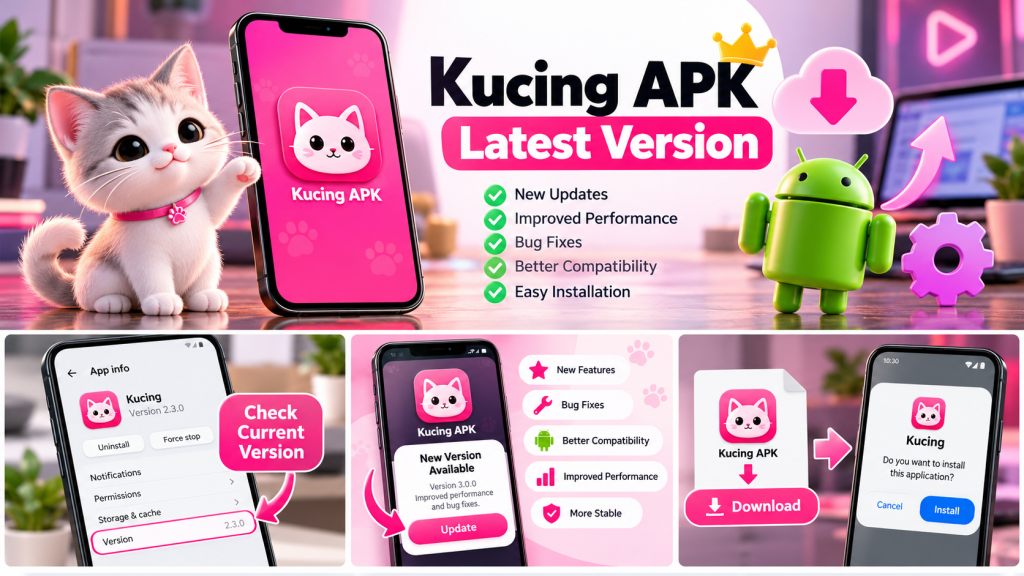
Looking for the Kucing APK Latest Version for your Android device? Keeping an application updated can help maintain compatibility with newer Android versions and provide access to changes included in recent releases.
This guide explains how to check the latest Kucing APK version, what to look for in an update, how to update the application, and what to do if a new release causes installation or compatibility problems.
Kucing APK Latest Version
Check the latest version information, compatibility details, and installation requirements before updating your Android application.
Table of Contents
The Kucing APK Latest Version refers to the most recent release available for Android at the time of checking. APK releases can change over time, so the version number and file information should always be verified before downloading.
A newer release may include interface changes, bug fixes, performance improvements, compatibility adjustments, or other modifications. Not every update will introduce major visible changes, however.
Users should avoid relying only on labels such as “latest” or “new version.” Always check the actual version information associated with the APK file.
Kucing APK Latest Version Information
Before installing a new release, check the following details:
| Information | Details |
|---|---|
| App Name | Kucing |
| Latest Version | Check the current release |
| File Type | APK |
| Platform | Android |
| Android Requirement | Depends on the release |
| File Size | Check before downloading |
| Update Type | Version-dependent |
| Installation | Manual APK installation |
The exact version, file size, and Android requirement can change when a new release becomes available.
What’s New in the Latest Kucing APK?
Changes depend on the specific release. When reliable update information is available, users should look for details such as:
Improved Performance
New releases may contain changes designed to improve general application performance. The actual improvement can depend on the Android device being used.
Bug Fixes
Updates may address problems discovered in earlier releases. These can include crashes, loading problems, interface issues, or other application errors.
Compatibility Improvements
Newer versions may adjust compatibility with newer Android releases or different device configurations.
Interface Changes
Developers or distributors may change menus, navigation elements, layouts, or other parts of the application interface.
Stability Improvements
An update may contain changes intended to make the application more stable during normal use.
Remember that these are common types of changes rather than guaranteed features of every Kucing release. Check the specific release information before assuming that a particular change is included.
Why Should You Update Kucing APK?
Updating can be useful when your current version has compatibility or performance problems.
A newer compatible version may help when:
- The current release frequently crashes.
- Certain features stop responding.
- Your Android version has recently changed.
- The existing APK is outdated.
- You experience repeated loading problems.
- A newer release includes a fix for an issue affecting your device.
However, updating is not always necessary if your current version works correctly. Check the new release information before replacing an existing installation.
How to Check Your Current Kucing APK Version
Before downloading an update, first find out which version is already installed.
Depending on your Android device, you can generally:
- Open Settings.
- Select Apps or Applications.
- Find Kucing.
- Open the application information page.
- Look for the installed version number.
The exact location can vary between Android manufacturers.
Once you know your current version, compare it with the version you intend to install.
How to Download Kucing APK Latest Version
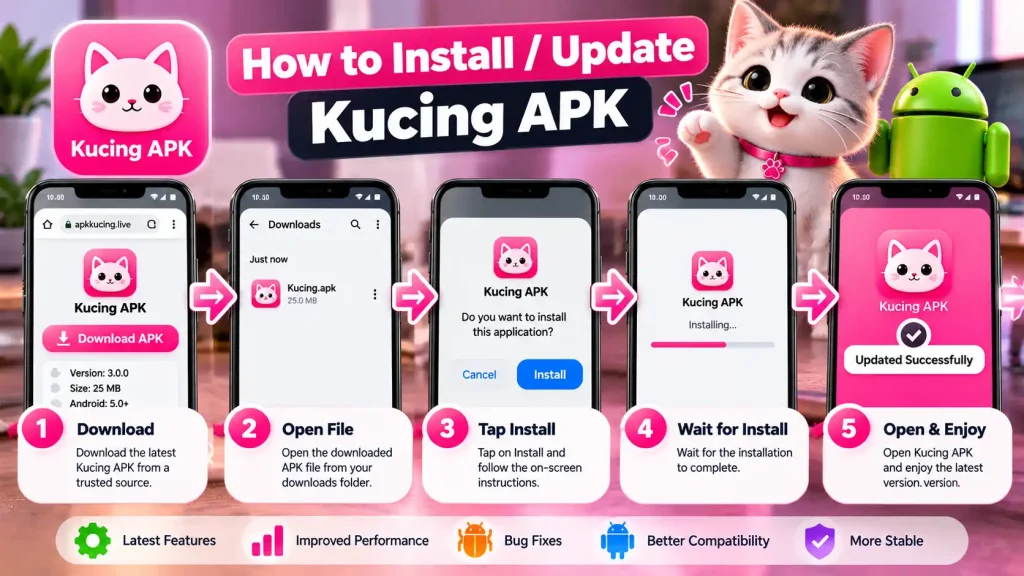
If you need a newer release, follow these basic steps:
- Find a trustworthy source for the APK.
- Check the application name.
- Verify the version number.
- Check the file size.
- Confirm Android compatibility.
- Start the download.
- Wait until the APK has completely downloaded.
- Check the downloaded file before opening it.
Avoid downloading files from suspicious advertisements, unexpected pop-ups, or websites that force additional downloads.
How to Update Kucing APK
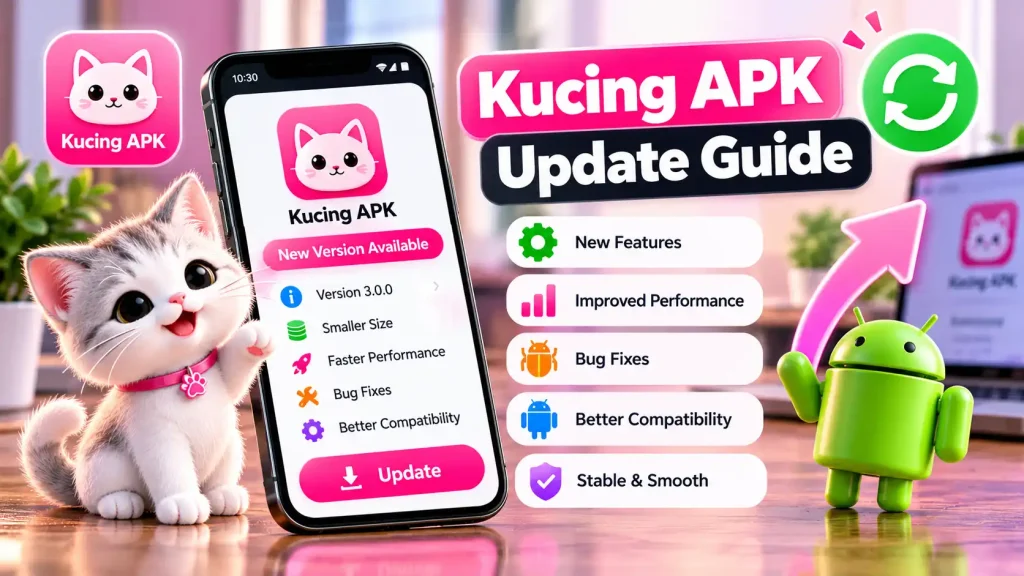
Updating an APK generally involves installing the newer compatible version over the existing installation.
Step 1 — Check the New Version
Confirm that the new release is actually newer than your installed version.
Step 2 — Check Compatibility
Make sure your Android version meets the requirements of the new APK.
Step 3 — Download the APK
Download the compatible file from a source you trust.
Step 4 — Verify the Download
Check that the file downloaded completely and that the version information matches what you intended to install.
Step 5 — Install the Update
Open the APK and follow Android’s installation instructions.
If Android allows the update, the newer release can normally replace the existing version without requiring a separate installation.
Step 6 — Test the Application
Open Kucing after updating and check whether the application launches and functions normally.
Should You Uninstall the Old Kucing APK Before Updating?
Usually, you should not uninstall a working version simply to perform a normal update.
If the new APK is compatible with the existing installation, Android may allow you to install it as an update.
Uninstalling first can remove locally stored application data or settings. If an update cannot be installed over the existing version, investigate the reason before removing the old application.
Kucing APK Update Not Installing
If the latest release refuses to install, check these common causes:
- Insufficient storage
- Incompatible Android version
- Corrupted download
- Incorrect APK variant
- Existing installation conflict
- Android security restrictions
First confirm that the APK is compatible with your device. Then check storage and download the file again if the original appears incomplete.
Is the Latest Version Always Better?
Not necessarily.
A newer release may contain useful improvements, but it can also introduce compatibility issues on some older devices. Your current version may continue working correctly even after a new version becomes available.
Before updating, consider:
- What has changed?
- Is your Android version supported?
- Does your device have enough storage?
- Are you experiencing problems with the current version?
- Is the new APK from a trustworthy source?
This approach is better than updating simply because a file is labeled “latest.”
Kucing APK Latest Version vs Older Version
| Factor | Latest Version | Older Version |
|---|---|---|
| Compatibility | May support newer Android versions | May suit older devices |
| Bug Fixes | May include recent fixes | May contain older issues |
| Interface | May include changes | Usually familiar |
| Performance | Depends on the release | Depends on the release |
| Stability | Can vary by device | May be stable on some devices |
| Updates | More recent | May no longer receive changes |
The best choice depends on your device and the specific release rather than the version number alone.
Kucing APK Compatibility
Before installing a new release, check your Android version and available storage.
Compatibility can depend on more than Android version alone. Device architecture, available memory, storage, and the specific APK build can also affect installation and performance.
If an APK installs but behaves incorrectly, the release may not be fully compatible with your particular device.
Kucing APK Update and Security
APK files should always be downloaded carefully, especially when they are distributed outside conventional app stores.
Before installing an update:
- Check the source.
- Verify the version.
- Review the file information.
- Avoid suspicious modified files.
- Keep Android security features enabled.
- Review application permissions.
- Do not ignore unexpected security warnings.
A file should not be considered safe simply because its filename contains the correct application name.
What If the Latest Kucing APK Does Not Work?
If a new release causes problems, first identify whether the issue started immediately after the update.
Try:
- Restarting your Android device.
- Checking your internet connection.
- Clearing the application cache.
- Checking available storage.
- Confirming Android compatibility.
- Reinstalling a verified compatible release if necessary.
If the previous version worked correctly but the new one does not, the problem may be related to compatibility with the newer release.
When Should You Update Kucing APK?
Consider updating when:
- A trustworthy newer version is available.
- Your current version has known problems.
- Your Android version has changed.
- The new release improves compatibility.
- You need a feature included in the newer version.
There is less reason to update immediately when your current version works reliably and the new release provides no relevant improvement for your device.
Frequently Asked Questions
What is Kucing APK Latest Version?
It refers to the most recent Kucing APK release available at the time you check. Version information can change as new releases become available.
How do I check my Kucing APK version?
Open your Android settings, go to Apps, select Kucing, and look for the installed version information.
How do I update Kucing APK?
Download a compatible newer APK from a trustworthy source and install it according to Android’s APK installation process.
Do I need to uninstall Kucing before updating?
Usually, a compatible update can be installed over the existing version. Avoid uninstalling unnecessarily because local application data may be removed.
Why won’t the latest Kucing APK install?
Possible causes include insufficient storage, Android incompatibility, a corrupted download, installation conflicts, or security restrictions.
Is the latest Kucing APK safe?
Safety depends on the specific APK file and its source. Always verify the file, source, version, and requested permissions before installation.
Can I use an older Kucing APK version?
An older version may work on some devices, but it may lack newer fixes or compatibility improvements. Check compatibility before using an older release.
Final Thoughts
Keeping an application updated can be useful when a newer release provides compatibility improvements, bug fixes, or other relevant changes. However, the Kucing APK Latest Version should always be checked carefully before installation rather than selected solely because it has a newer version number.
Check the release information, Android compatibility, file details, and source before updating. If your current version works well, compare the changes first and decide whether the update actually benefits your device.
1 thought on “Kucing APK Latest Version: What’s New, Updates, and Installation Guide”